
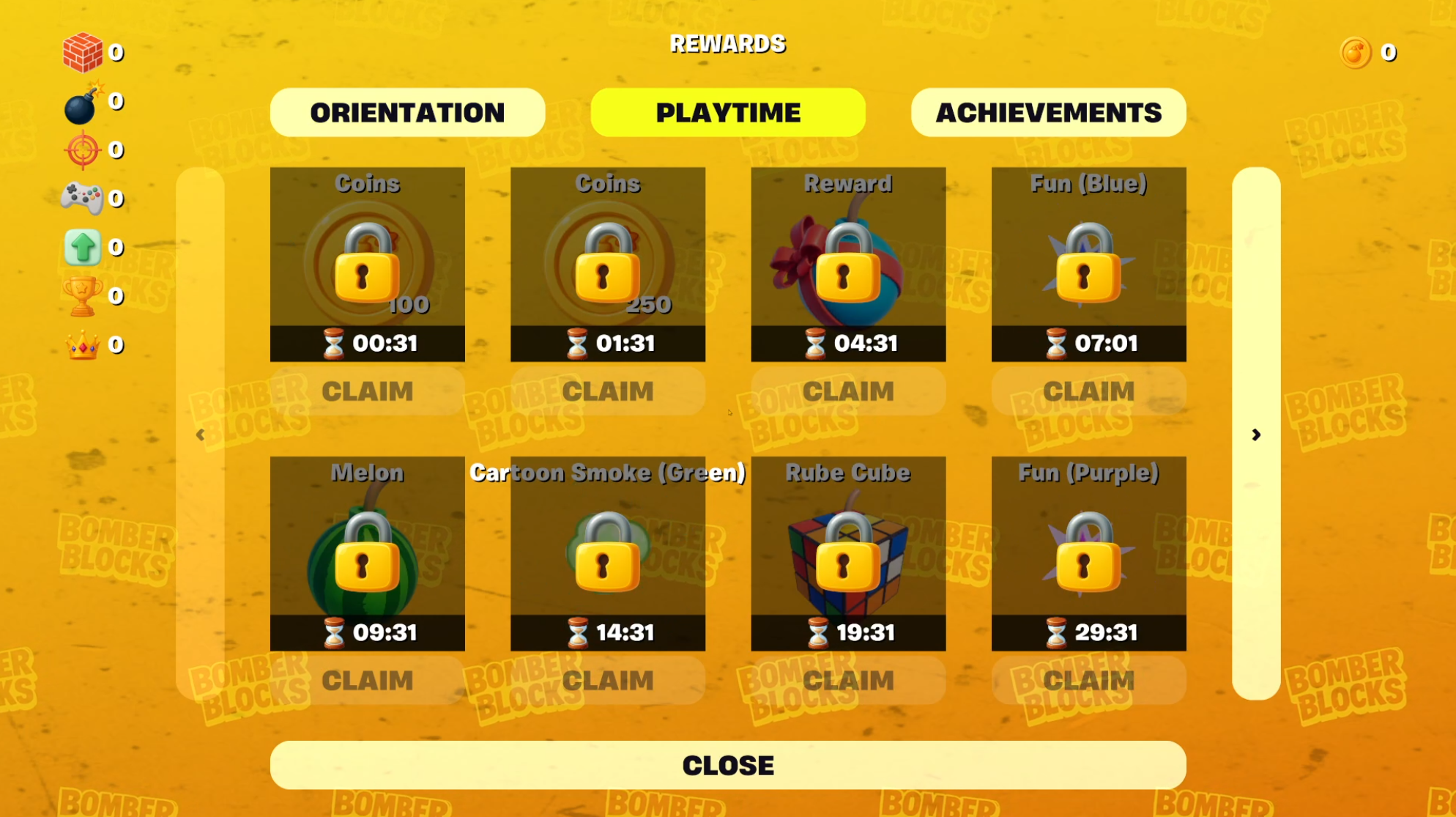
Building UI in UEFN using Widget Blueprints can feel slow and limiting, especially when your workflow requires lots of iteration. Every time you make a change, you’re waiting 3–5 minutes for a full “Push Changes” cycle. If you’re making dozens of updates per project, you’ve easily lost 45-60 minutes per day.

That’s why I started building UI directly in Verse. My goal wasn’t to replace all Blueprint Widgets overnight but to solve the real problems that UI in UEFN wasn’t handling efficiently: large item lists, dynamic stats, currency updates, reusable layouts, and on-demand prompts.
The result is a flexible, modular UI system powered by Verse that’s now been tested in multiple live projects.
The Problem With Blueprint Widgets
In projects like Ultimate Capture The Flag, Mega Jump Simulator, and Bomber Blocks, I needed UI that could:
- Show dozens of items at once with pagination or tabs
- Display player-specific data (like currency or item ownership)
- Let me show or hide UI elements based on different game states
- Update in real time when something changes (like earning a new reward)
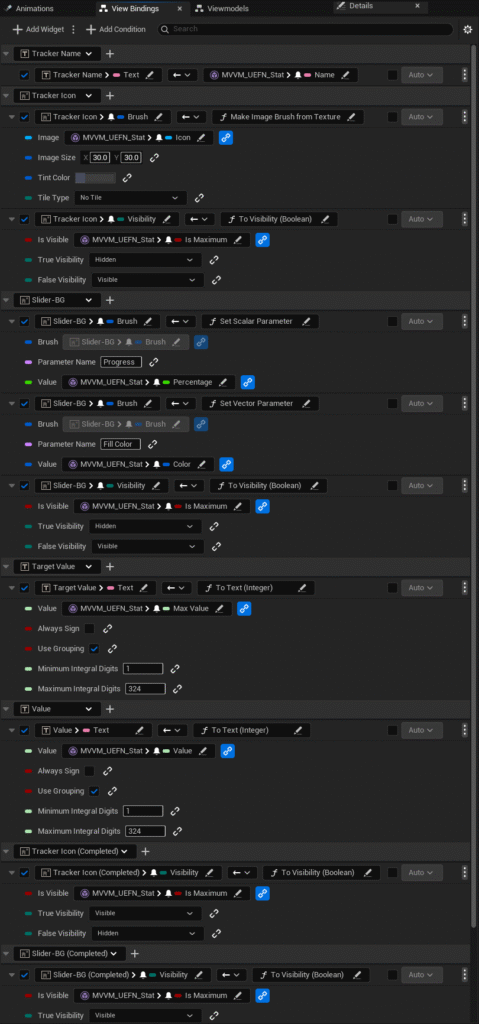
Blueprint Widgets couldn’t keep up. And the slow iteration time made creative experimentation more difficult. 💡 That’s when I figured: if I’m going to spend this much time iterating with Widget Blueprints, I could invest that same time into a Verse-powered system that would save me far more time in the long run. So I started building UI that could still be composed visually in the editor but powered dynamically through Verse logic.
The Tools I Built
1. Flexible, Paginated Item Browser (dialog_grid_ui)
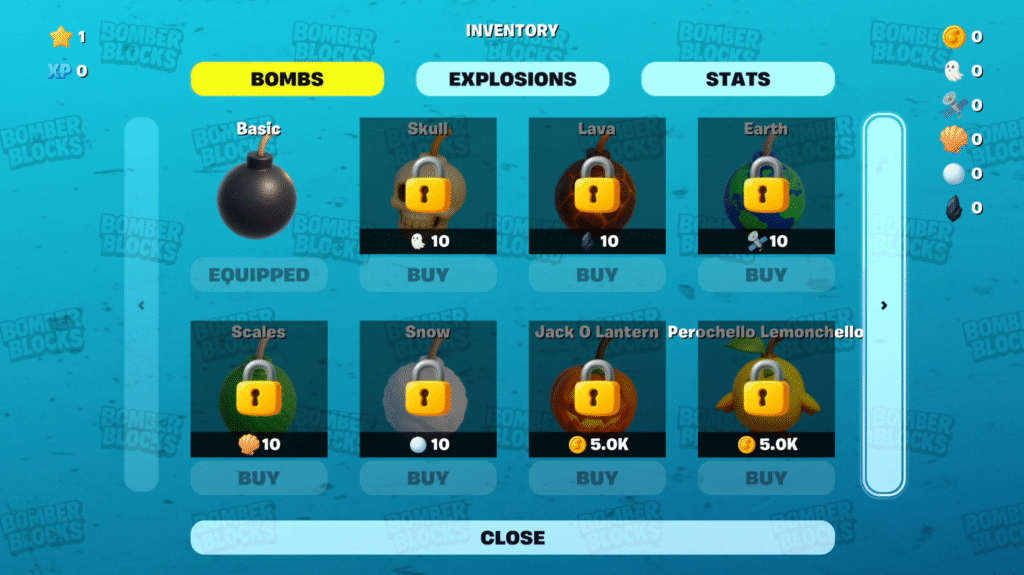
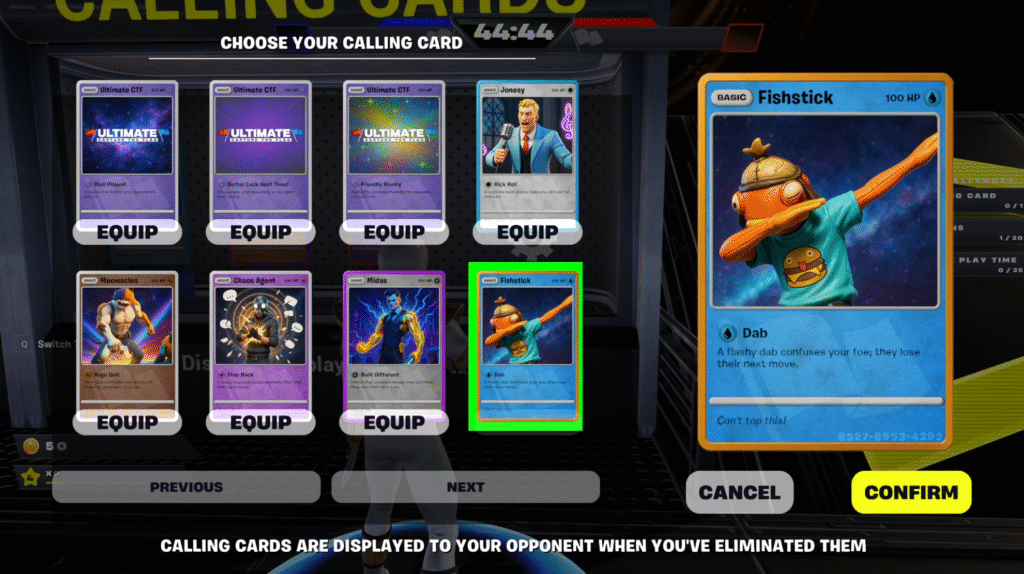
Created originally for Ultimate Capture The Flag, this UI system supports an infinite list of items with pagination. It’s now in use in three islands, powering things like:
- Inventory Items
- Storefronts
- Level Selector
- Map Voting
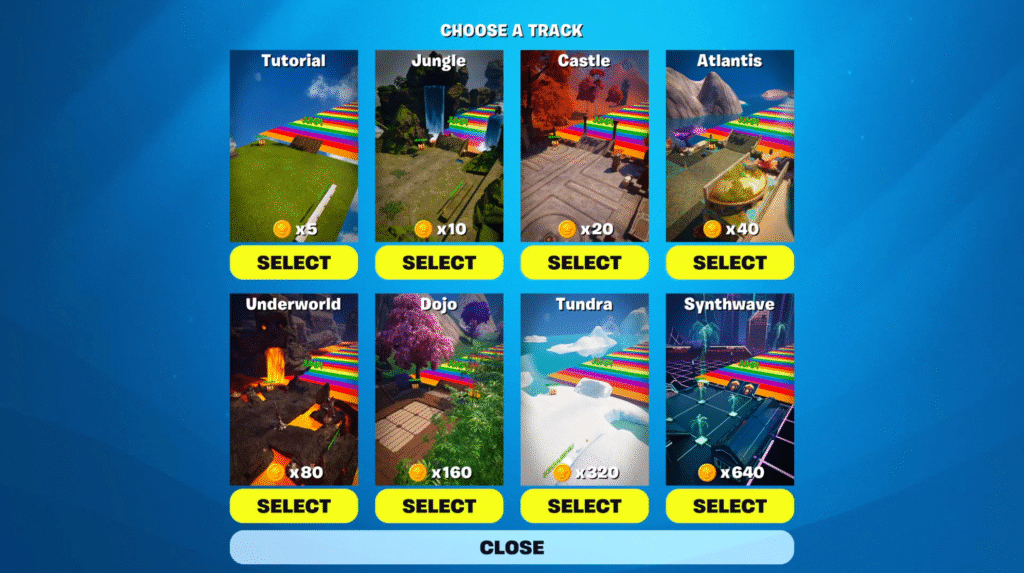
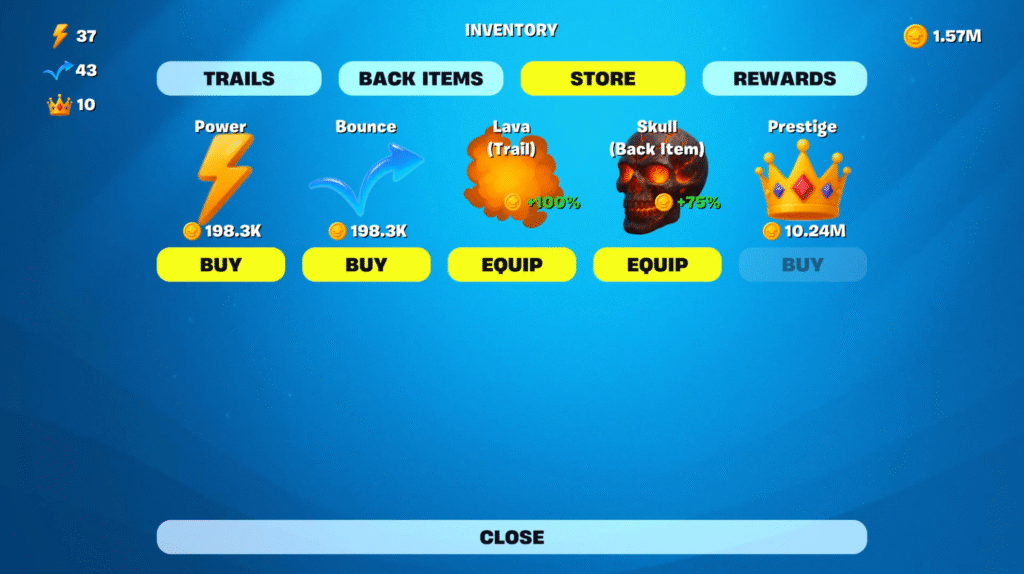
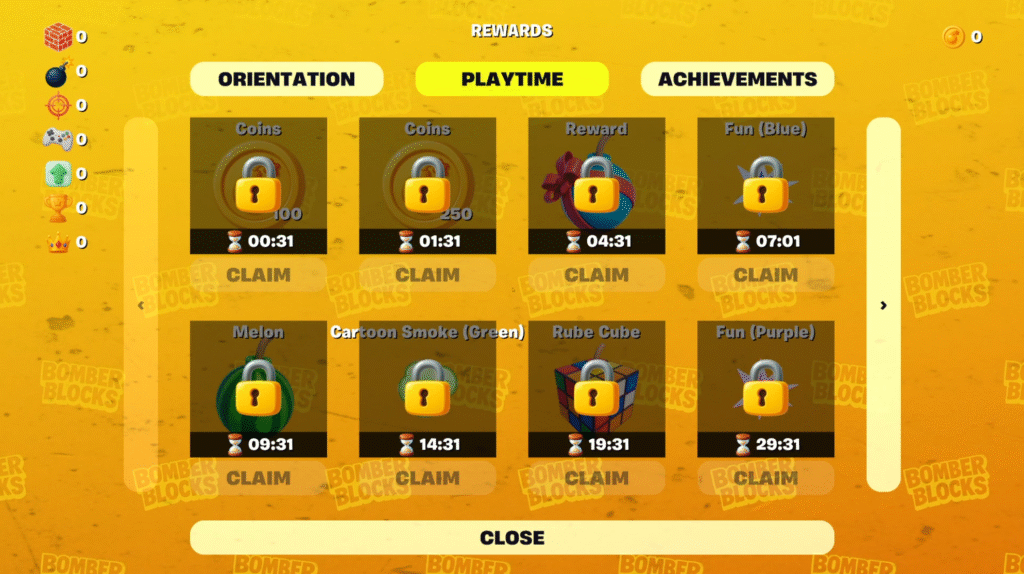
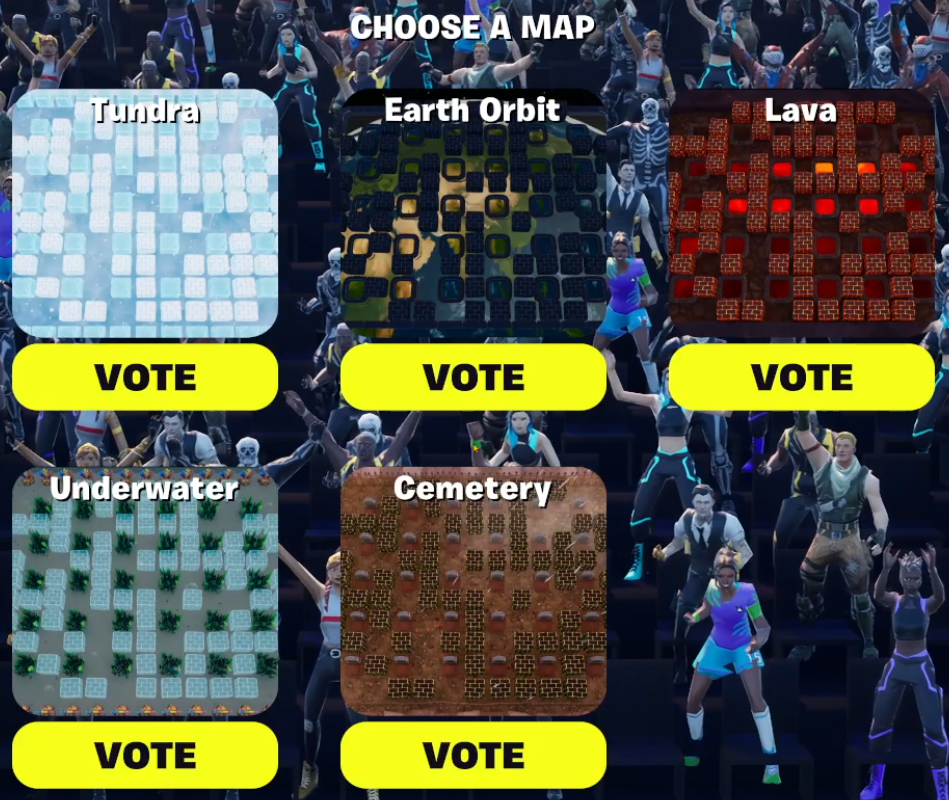
2. Dynamic HUD Stats (custom_stat_device_ui)
The built-in “stat_creator_device” always shows HUD stats, whether you want them to or not. I needed something more flexible, so I built a stat display system in Verse that lets me control visibility and content dynamically without sacrificing the visual components. Most of the properties you’d define in the Widget Blueprint are available in the editor, but you have the power of Verse to Show/Hide it dynamically.
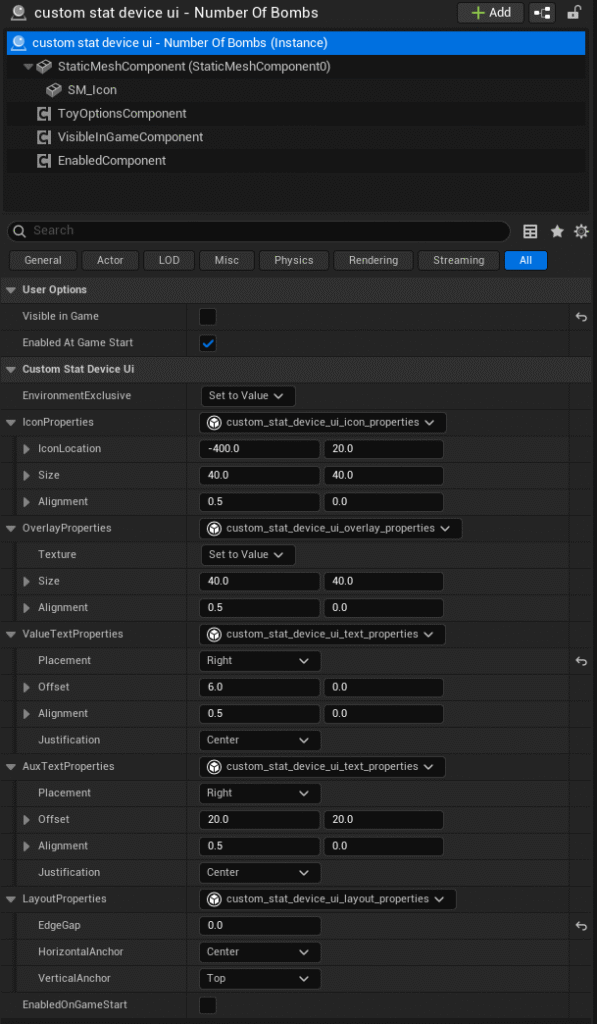
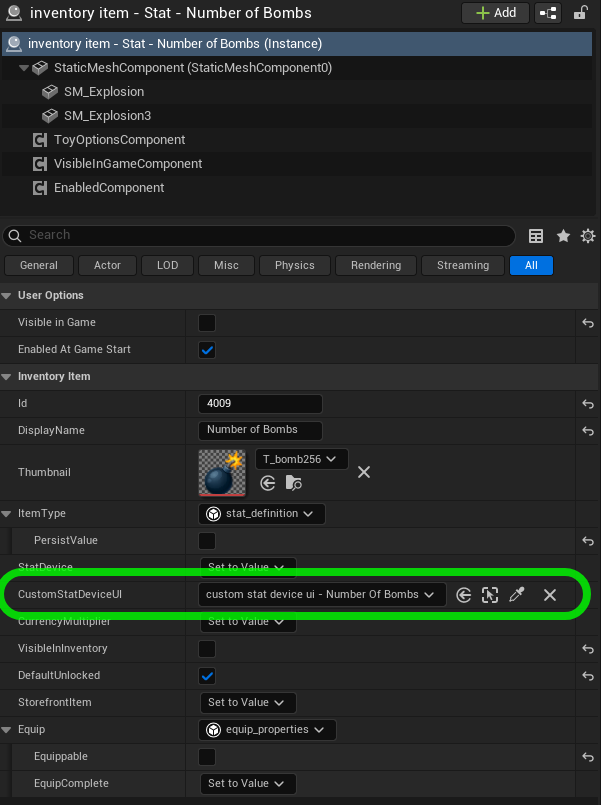
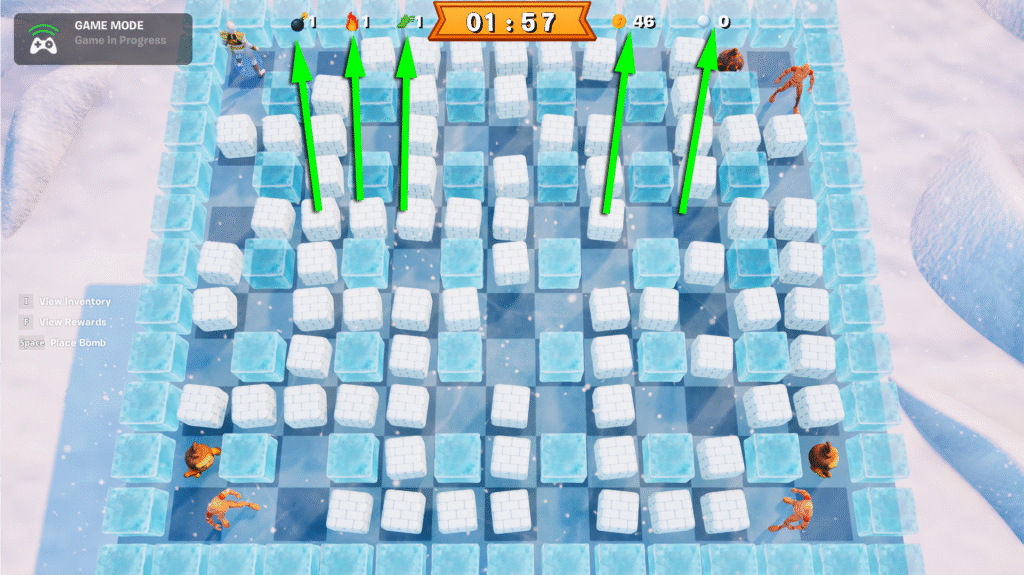
(There’s even a forum thread with the same quality-of-life request here: https://forums.unrealengine.com/t/stats-creator-hide-hud-request/2237844/4)
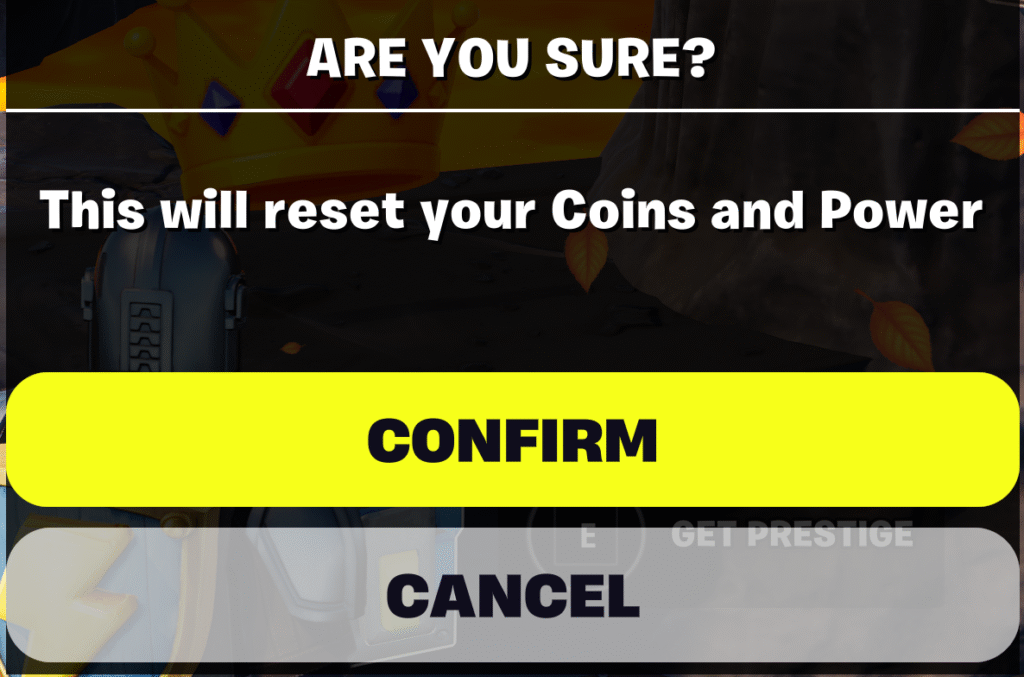
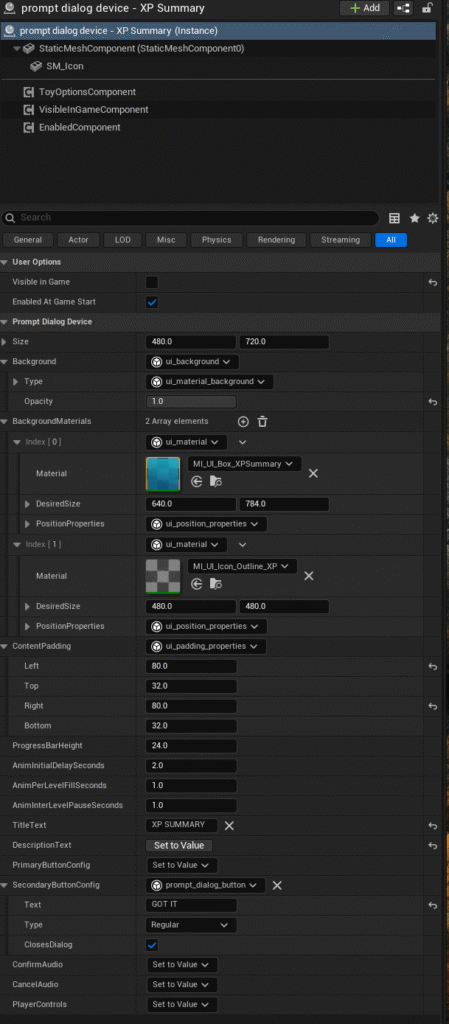
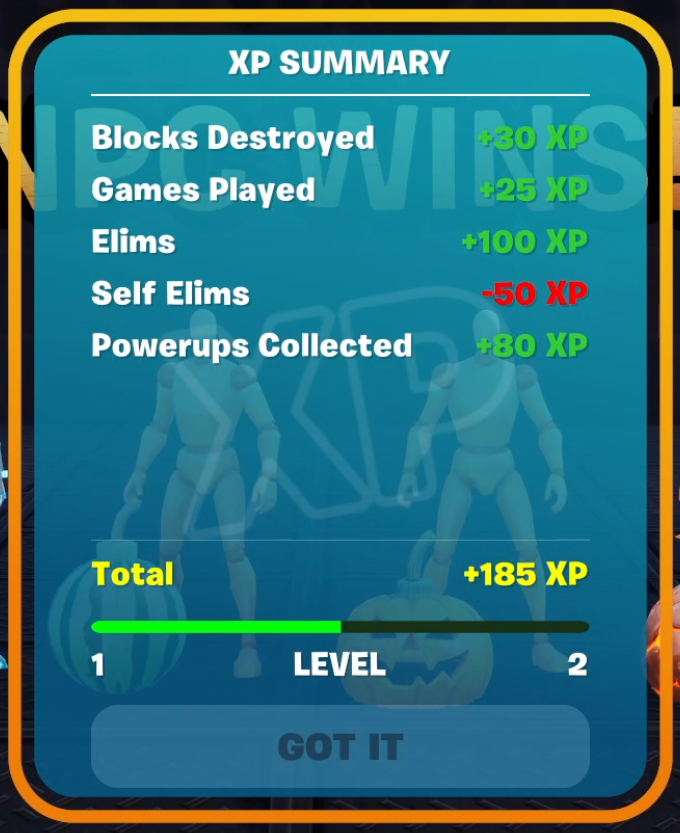
3. Reusable On-Demand Prompt (prompt_dialog_device)
This saves me from needing a new pop-up Blueprint every time I want the player to confirm something. It’s controlled through Verse, so updating the text, buttons, or style only takes seconds. Useful for purchase prompts, teleports, or reward notifications.
What Still Needs Work
One of the biggest challenges is how to handle updating UI efficiently when something changes. If a player earns enough currency to buy a Bomb skin, I need to update just that UI element — not rebuild the entire store.
This is still a work in progress, but my unified Inventory system (shared between Calling Cards, Bomb skins, Trails, Powerups, etc.) gives me a strong foundation.
Results and What’s Next
- UI that updates instantaneously, not minutes
- Reusable systems now used across four UEFN islands
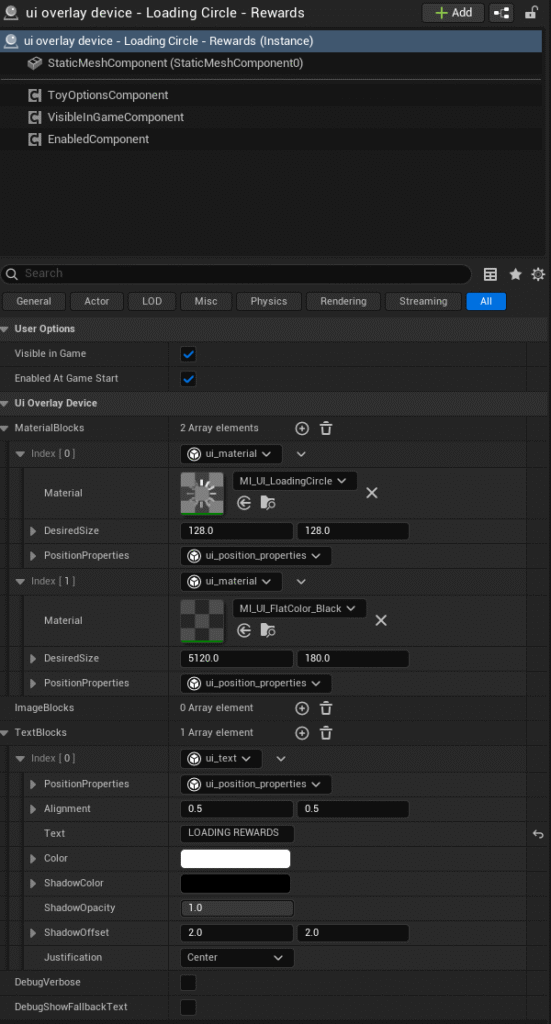
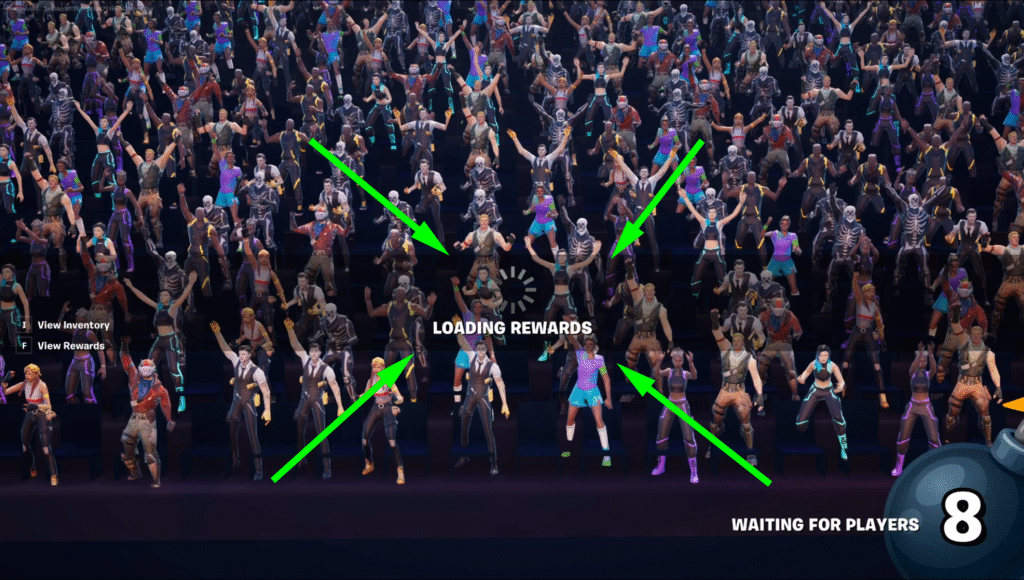
- Improving the visuals using material_blocks and material instances (rounded edges, gradient backgrounds, etc.) without having to “Push Changes”
UEFN gives you powerful tools — but it’s how you extend them that really matters. I specialize in spotting gaps, optimizing workflows, and building systems that are designed to last. If you’re looking for someone who can not only execute but architect solutions that elevate your team’s efficiency and creativity, let’s talk.
Comments
One response to “Designing Modular UI in Verse: Solving Real UX Problems in UEFN”
[…] You can read a more detailed deep dive here: Designing Modular UI in Verse […]