Context
Today was focused on replacing Fortnite’s default skybox with a custom solution that better supports Island Crossing’s aesthetic—and eventually, a dynamic day/night cycle tied to real-world time. This work is foundational for atmosphere, mood, and visual coherence.
Building the Custom Sky Sphere
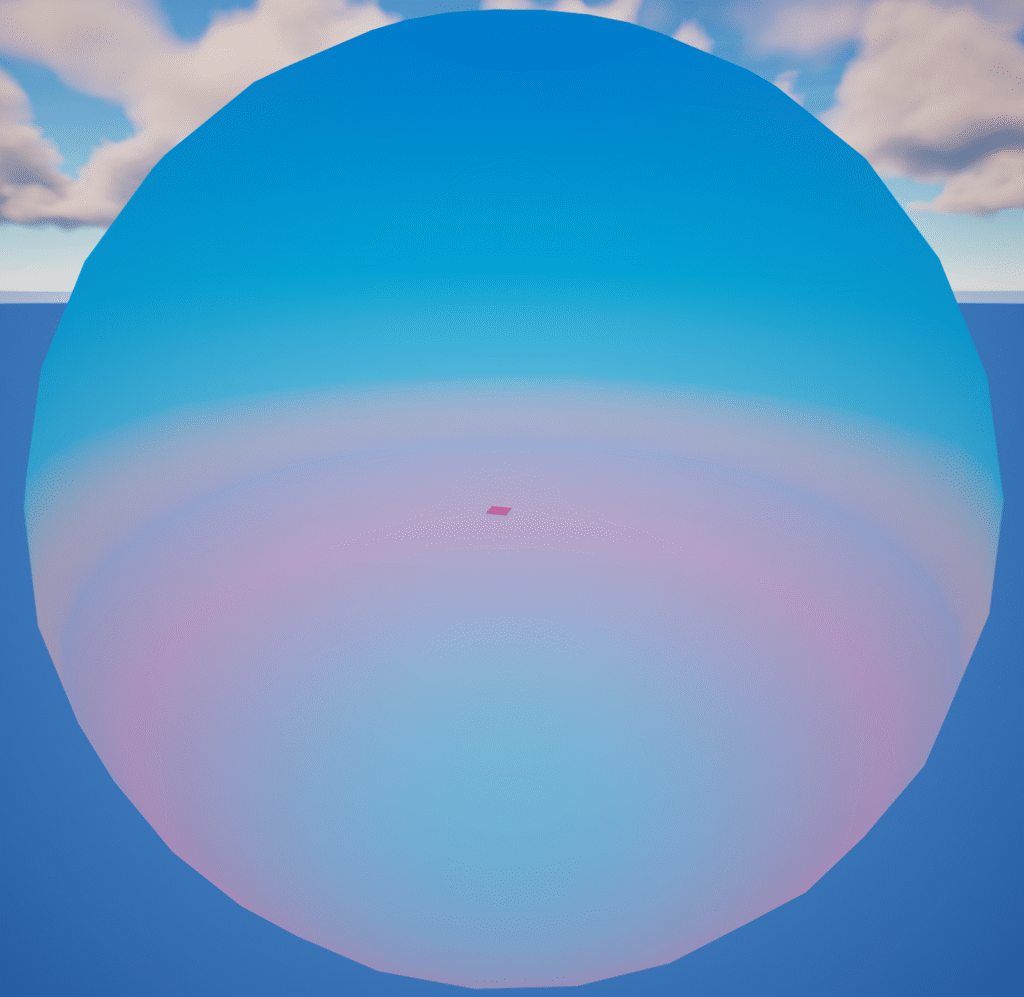
I created a large sky sphere and applied a custom material to it. The immediate goal was modest:
- Hide the flat blue plane that appears beneath the horizon when using Curved World.
This alone makes the world feel more enclosed and believable.
Early Experiments
I tested several approaches for achieving a fully dynamic sky:
- Custom shaders
- Large textured spheres
- Blended gradients
- Material functions that shift color based on the time system
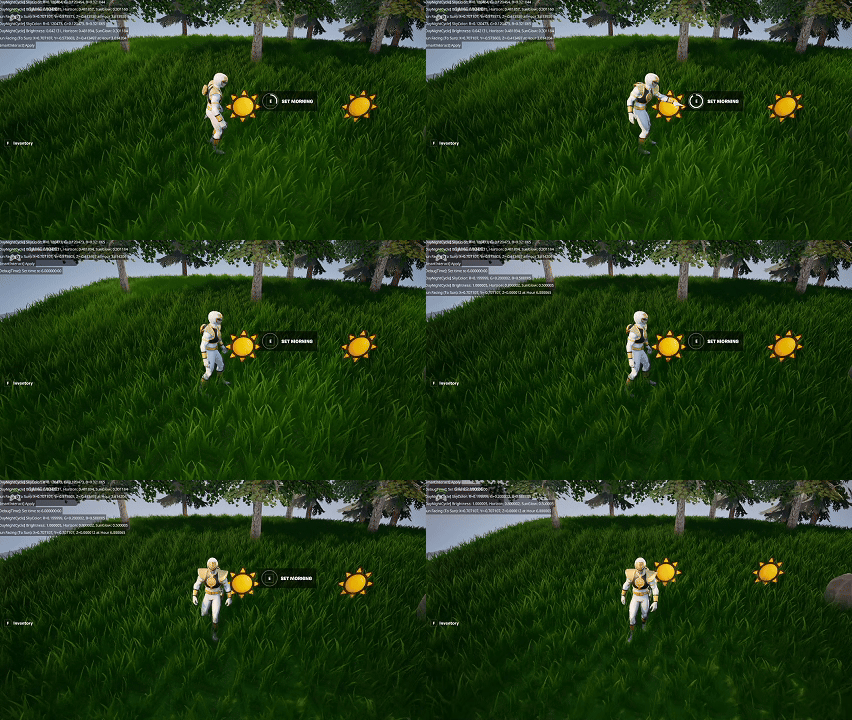
Each option solved a piece of the problem but not the whole thing. The biggest challenge right now is:
- Achieving dynamic lighting changes that respond to real-world Date/Time
- Keeping performance acceptable on a large enclosing mesh
- Ensuring the curved world effect doesn’t break horizon blending
Current Status
Nothing is final yet, but I now have:
- A functional baseline sky sphere that conceals the default horizon issue
- A handful of experiments that may evolve into the full system
- A clearer understanding of engine limitations around sky/lighting in UEFN
The long-term goal is still to match the real-time clock: morning light, sunset colors, night gradients—each reflected in the skybox and global lighting.
Summary
What I accomplished:
- Built a custom sky sphere to replace the default horizon.
- Implemented a temporary material to address visual seams.
- Explored multiple approaches to dynamic sky and lighting.
What I learned:
- Custom skyboxes are more complex under Curved World constraints.
- Dynamic lighting in UEFN is limited and requires creative workarounds.
- Even partial progress (hiding the default horizon) significantly improves world presentation.