Context
Today completed the core placement loop for interior objects.
Placement Logic
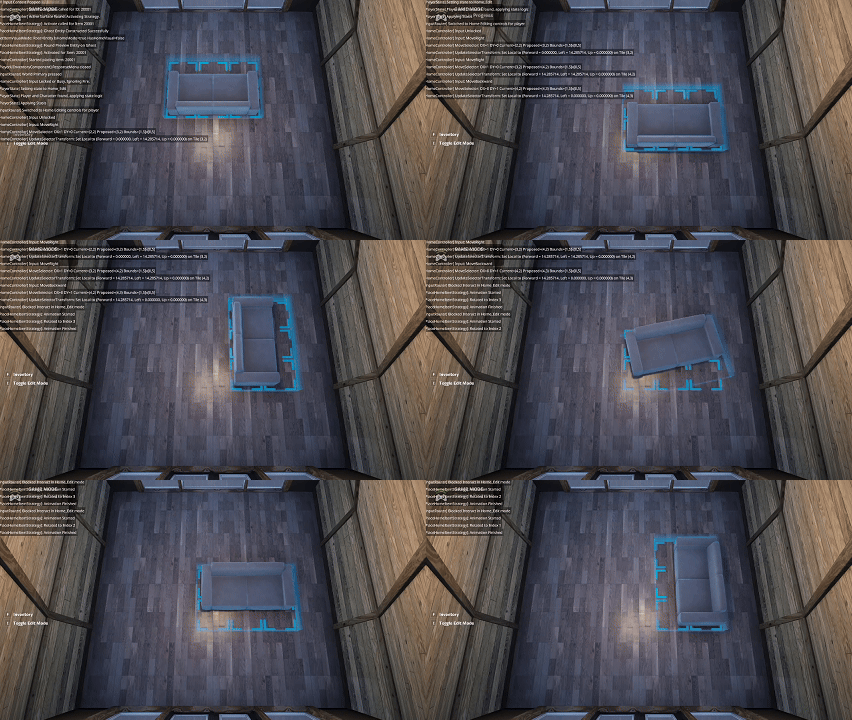
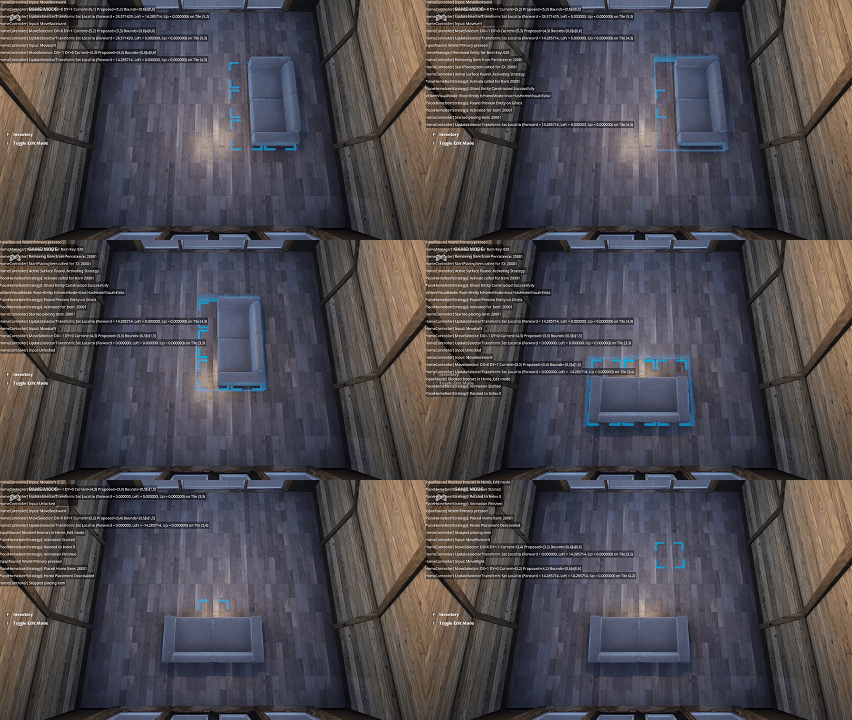
Players can now:
- See a visual indicator while placing objects
- Rotate objects while moving them
- Place items and re‑select them later to move again
I also added a small animation between rotations to improve readability.
Summary
What I accomplished:
- Completed object placement logic
- Added rotation support with animation
- Enabled re‑selecting and moving placed objects
What I learned:
- Placement UX benefits enormously from subtle animation
- Re‑editing placed objects is essential for a cozy customization loop