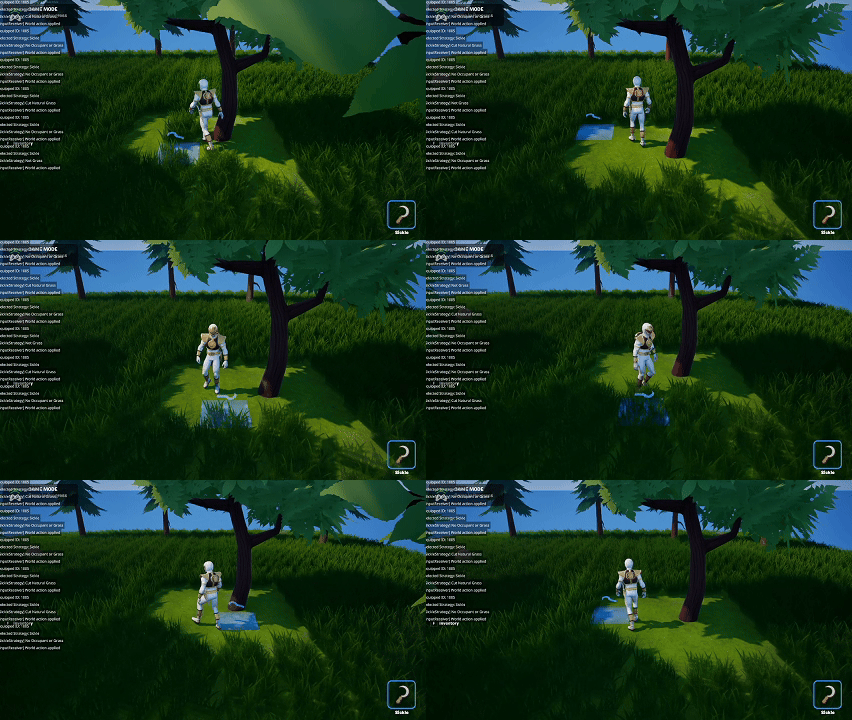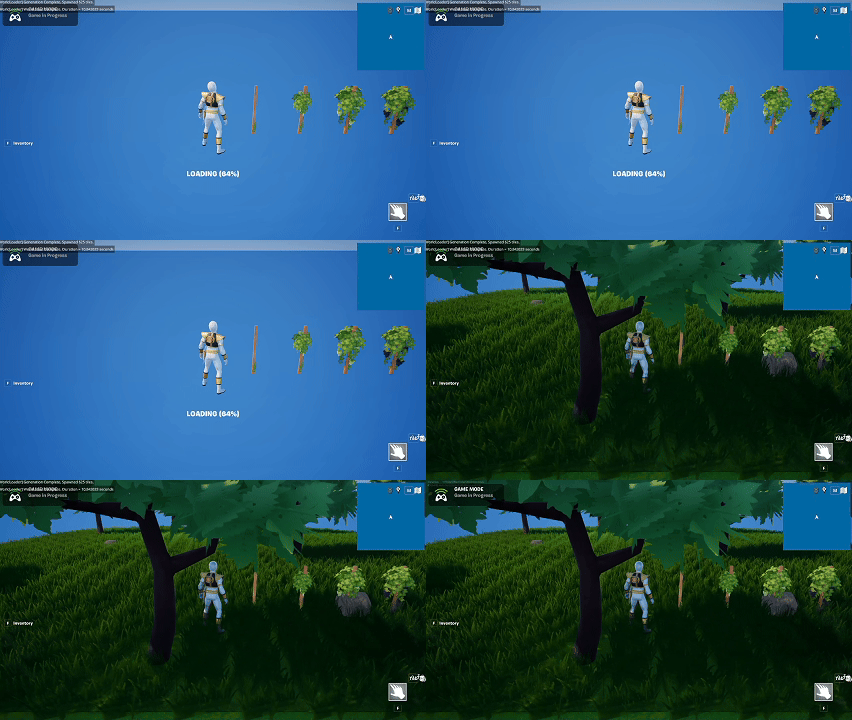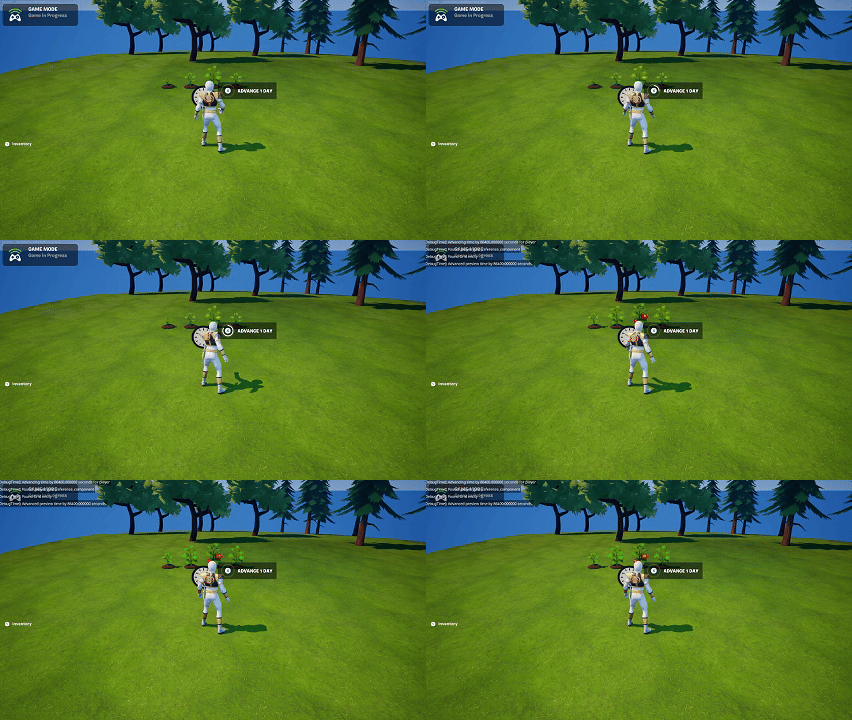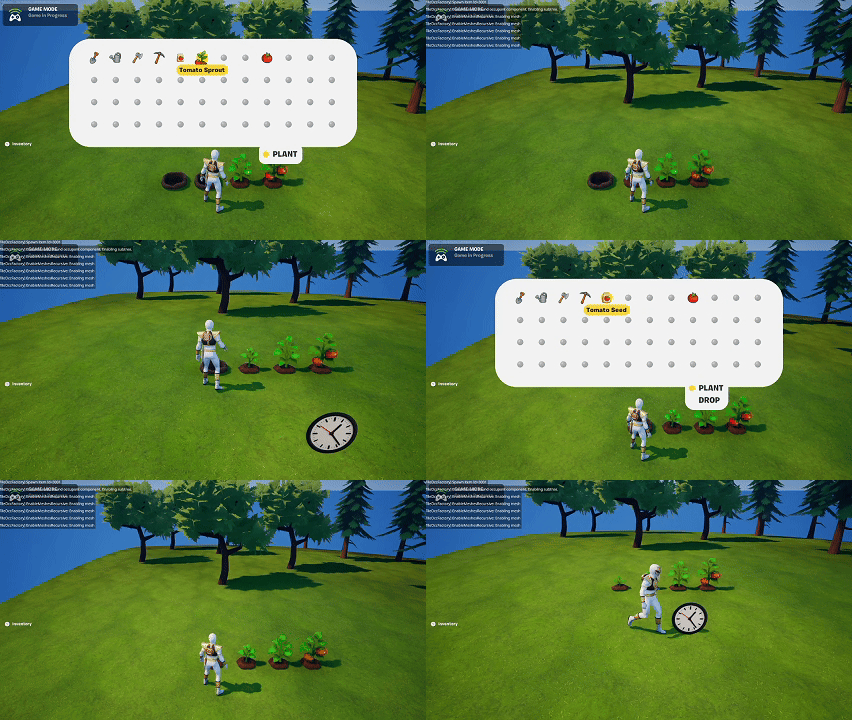
Day 17 — Crafting Mechanics & Input Refactors
Context
With the Crafting UI and backend structure in place, today was about testing the actual mechanics: how players interact with a crafting station, how recipes behave, and how the system responds to available materials. This was the first time all the pieces started coming together in a playable form.
Crafting Station Interaction
Players can now:
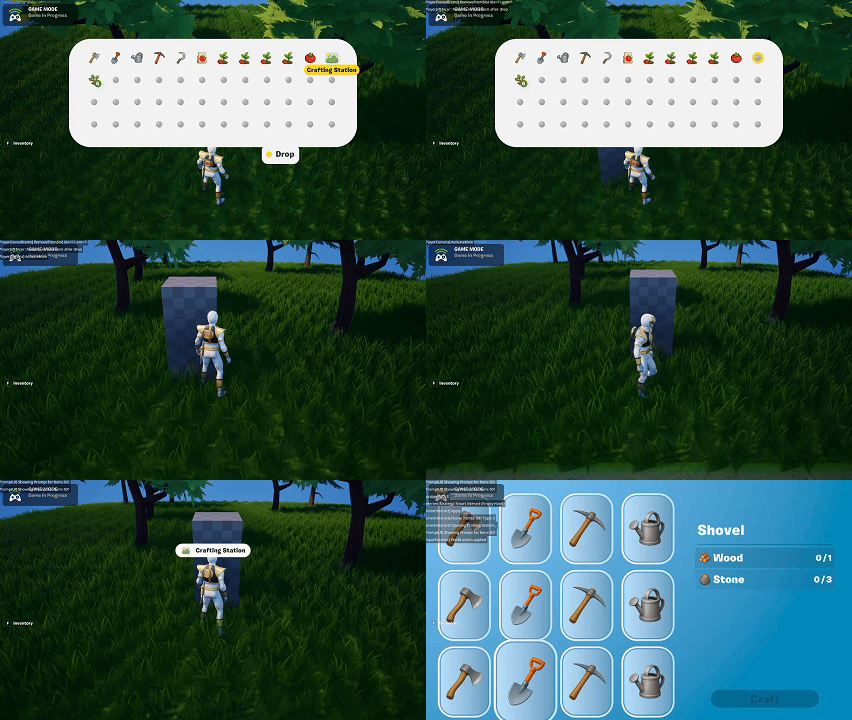
- Place (drop) a Crafting Station in the world.
- Walk up and interact with it to open the Crafting UI.
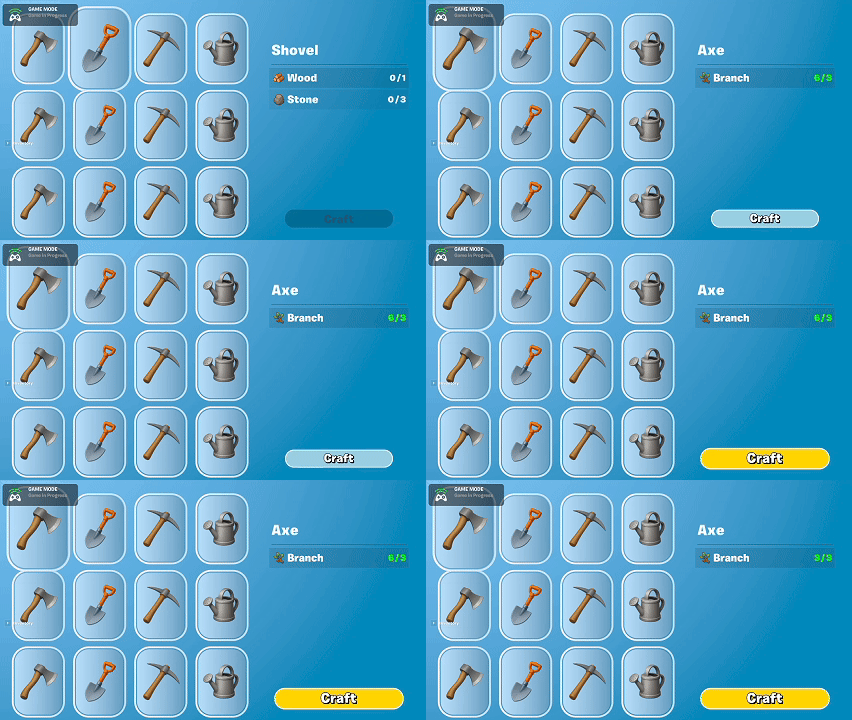
- Navigate recipe slots to see material requirements.
- Craft an item when they have the necessary resources.
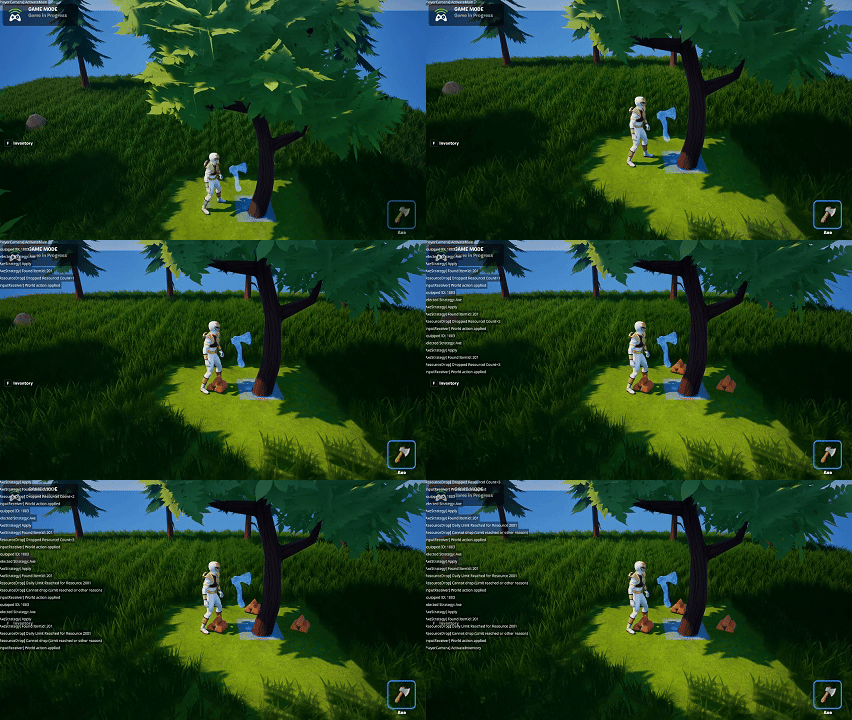
The station itself behaves consistently with other item‑based objects in the game—fully supporting Drop and Pickup behavior.
UI Integration & Feedback
The UI is functional but unpolished. Still, it includes:
- Slot navigation using the consolidated input device.
- A clear indication of whether materials are available.
- Subtle feedback animations when crafting succeeds (or fails).
Scrollable slots are partially implemented—you can see up to 12 recipes, but scrolling logic still needs work.
Input System Refactor
While building the crafting flow, I had to untangle and reorganize input logic:
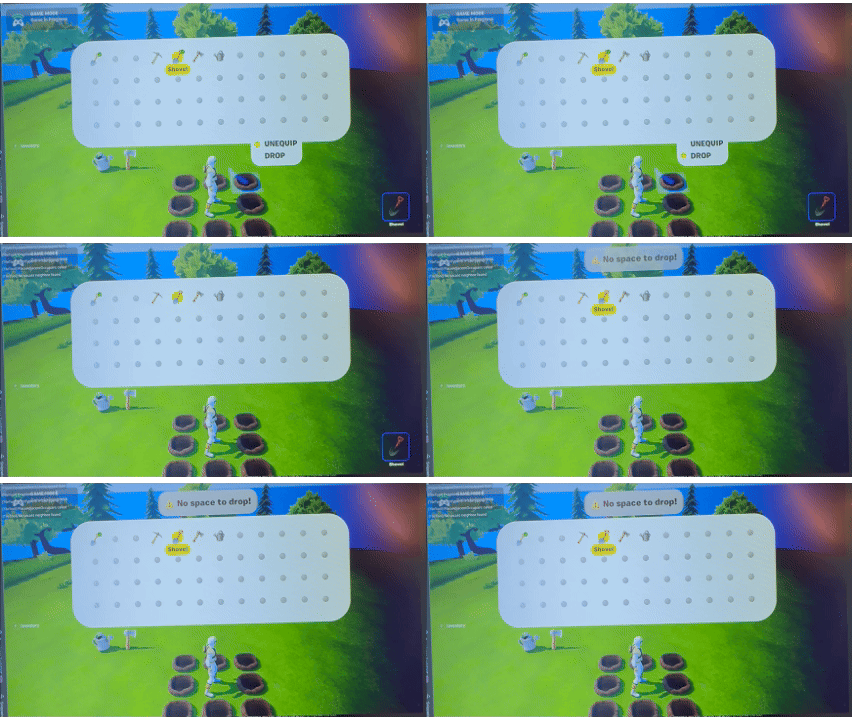
- Fixed an item‑quantity bug where Drop One vs. Drop All behaved inconsistently.
- Consolidated all UI inputs into a single UI device.
- Consolidated all world inputs into a single world‑input device.
This simplifies long‑term maintenance and prevents input conflicts between systems.
Next Steps
- Implement scrolling for larger recipe lists.
- Add destructible properties to tools.
- Polish UI states and transitions.
Summary
What I accomplished:
- Made crafting stations fully interactive.
- Implemented the basic crafting flow with material validation.
- Added subtle UI feedback animations.
- Refactored input handling into unified devices.
- Fixed Drop One vs. Drop All behavior.
What I learned:
- Crafting ties together more systems than expected—UI, items, world input, inventory, and persistence.
- Unified input management reduces future complexity.
- Early UI feedback, even rough, makes feature testing noticeably easier.