Context
Today was focused on importing newly purchased animations and meshes and getting them integrated into the workflow I established yesterday. This was mostly pipeline work rather than gameplay systems, but it’s critical for achieving the level of polish I want in character expression and tool interactions.
Asset Pipeline Work
The process required several steps:
- Importing assets into Unreal Engine first (since some marketplace assets are not UEFN-ready by default).
- Migrating them into UEFN, ensuring all dependencies came over cleanly.
- Creating new Animation Sequences inside UEFN based on the purchased animations.
The work was fairly tedious and required researching how to properly adapt external animation files so they align with Fortnite’s skeleton and UEFN constraints.
Early Setup
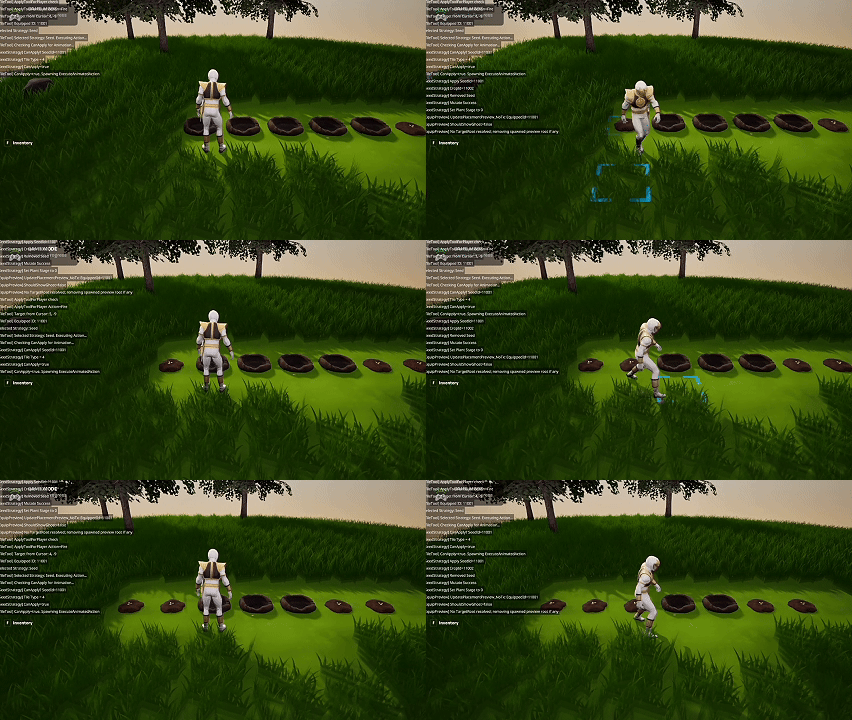
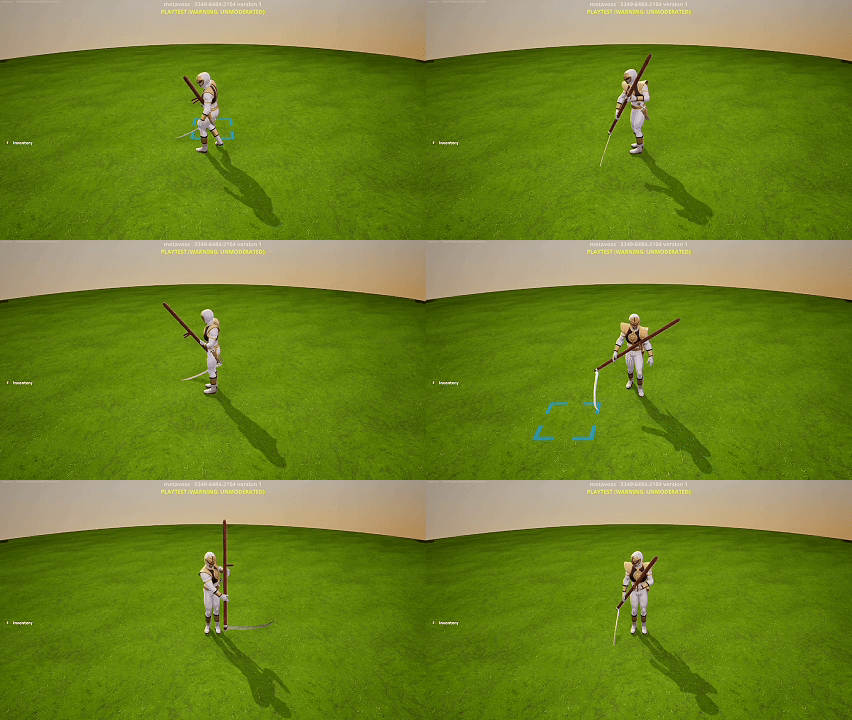
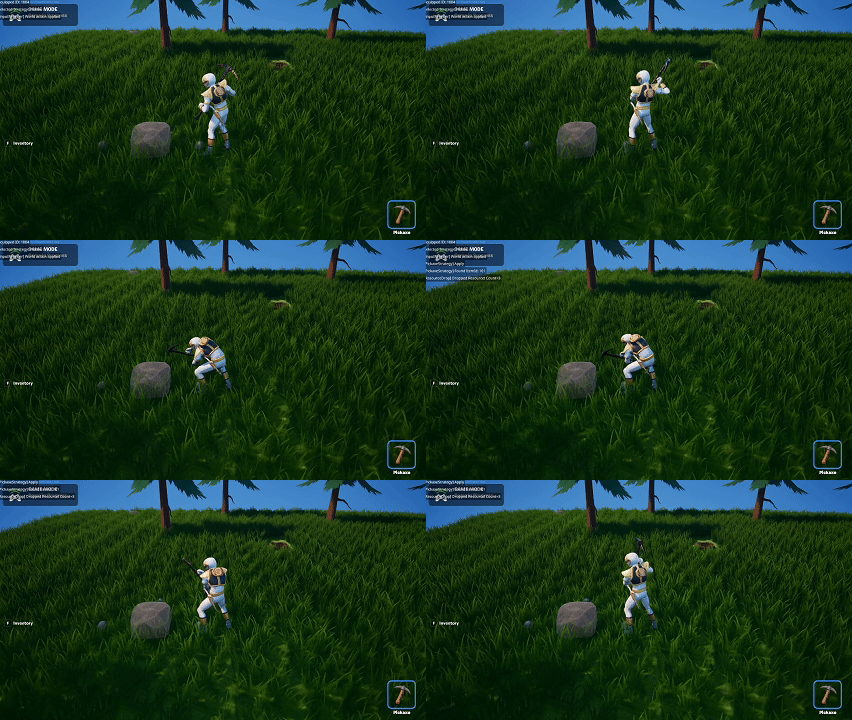
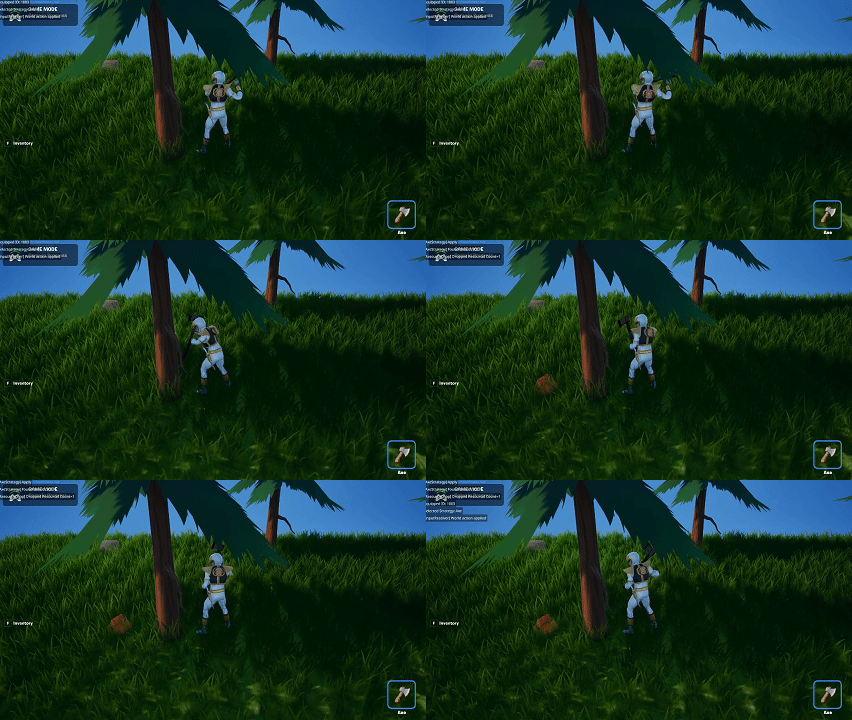
All major animation sequences are now created, though not yet refined. I was able to:
- Preview the animations on the character
- Verify compatibility with yesterday’s seat_device animation system
- Begin rough integration into the interaction flow
Outstanding Tasks
There’s still polish work needed:
- Smoothing transitions between animations
- Adjusting poses for better readability
- Finding or generating additional meshes to match the new animations
Summary
What I accomplished:
- Imported purchased meshes and animations into Unreal Engine.
- Migrated assets into UEFN.
- Created new Animation Sequences for all incoming animations.
- Completed the initial setup for animation integration.
What I learned:
- Marketplace animations require several adaptation steps before becoming usable in UEFN.
- Even with a functional animation system, polish requires iteration.
- Having high‑quality animations dramatically improves UX, but they demand a strong pipeline to support them.