Context
Today marked a shift from purely mechanical systems to more visual and environmental work. With core gameplay loops stabilizing, I spent the day improving the look and feel of the island and expanding support for more complex world objects.
Replacing Trees with Purchased Assets
I swapped out all placeholder trees with the newly purchased, higher‑quality models. This significantly improves the overall aesthetic, especially since trees are one of the most visible elements on the island.
The new meshes also required:
- Adjusting pivot points
- Tweaking collision profiles
- Re‑testing harvesting interactions
Everything now integrates cleanly with the existing axe + resource drop loops.
Multi‑Tile Item Support (Crafting Station)
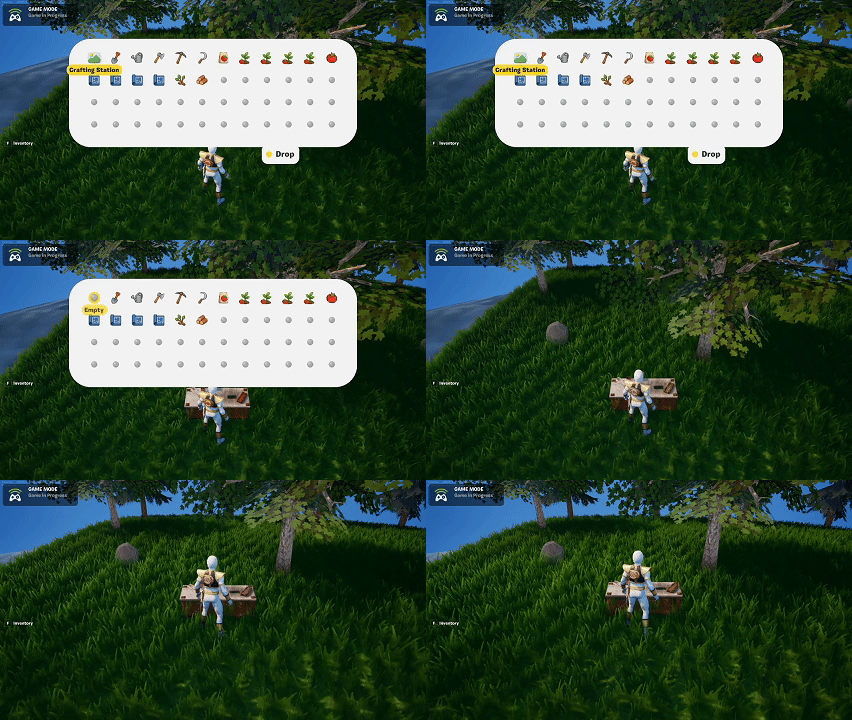
I imported the new mesh for the Crafting Station, which introduced a new requirement: supporting items that occupy more than one tile.
To accommodate this, I refactored:
- Tile occupancy rules
- Drop placement validation
- Persistence logic for world objects
The crafting station now correctly occupies two tiles, preventing conflicts and ensuring proper placement.
Expanding the World Beyond the Grid
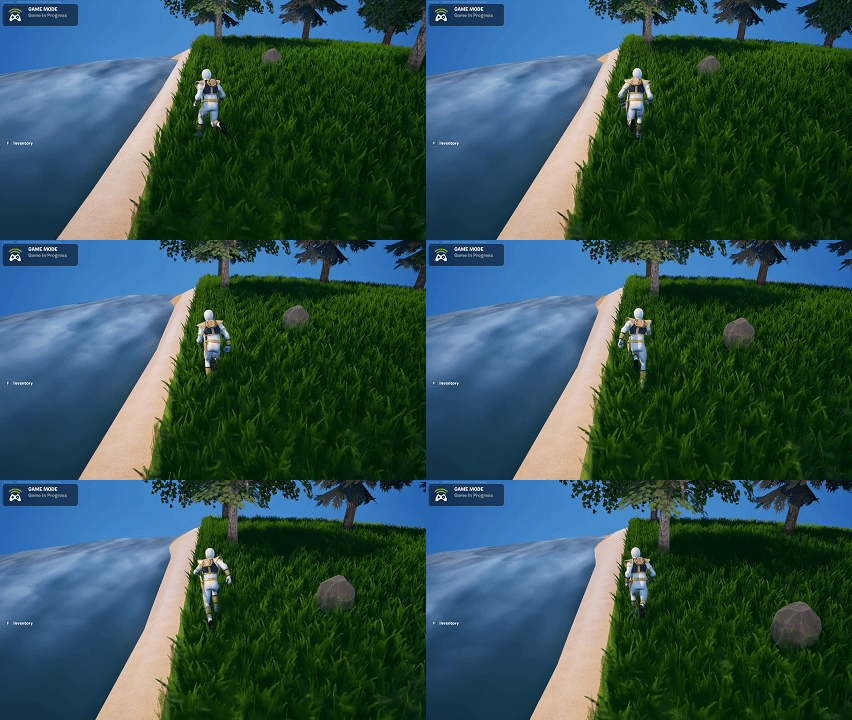
For the first time, I began building the environment outside the core 50%‑sized island grid.
This required several steps in Blender before importing into UEFN:
- Creating a rectangular ring around the grid for sand
- Building a larger surrounding mesh for ocean water
- Ensuring both meshes subdivide correctly for Curved World compatibility
After importing:
- Applied the curated water material
- Adjusted normals and smoothing
- Verified curvature alignment with the central island
The result is a much more complete visual presentation of the island, rather than having it float awkwardly in an empty void.
Summary
What I accomplished:
- Replaced placeholder trees with purchased assets.
- Added full support for multi‑tile world objects (crafting station).
- Built the sand border and water environment around the grid.
- Imported and integrated new Blender meshes with Curved World support.
What I learned:
- Multi‑tile items introduce meaningful complexity to placement rules.
- Environmental meshes require careful subdivision to work with curved worlds.
- Even simple environmental framing dramatically improves the feel of the world.