Day 4 — Inventory Migration & First Tool Implementation
Context
Today I migrated my existing inventory system into Scene Graph and created the project’s first real tool.
What I did
Inventory Migration
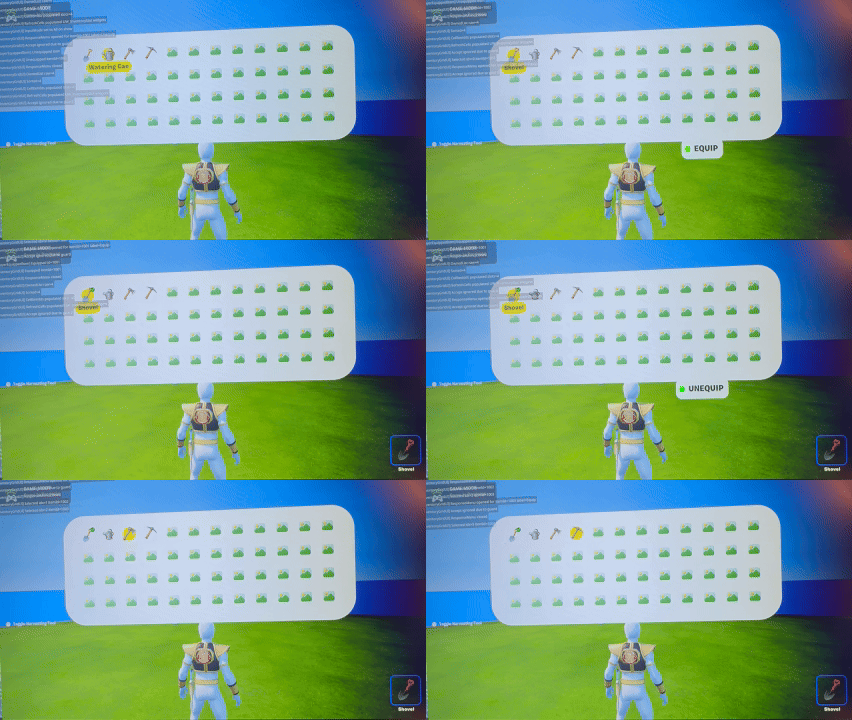
I took my existing inventory item system (creative_devices) and converted it to be compatible with Scene Graph (components). The migration required rethinking how items are stored, equipped, and managed.
Shovel Tool
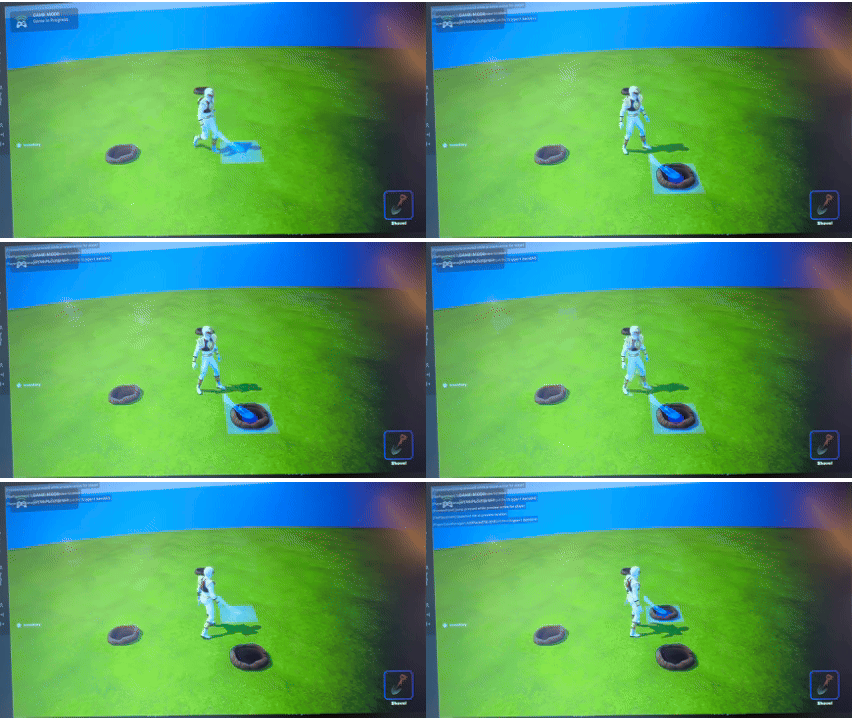
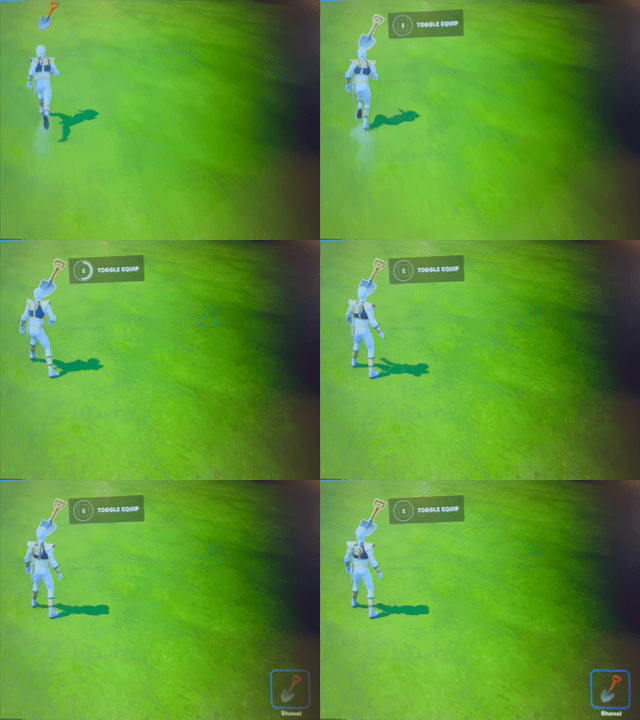
I created the Shovel entity and implemented an equip system. A simple UI helped validate behavior.
With the visual foundation in place, today focused on developing systems that make the island feel persistent and alive.
Date & Time System
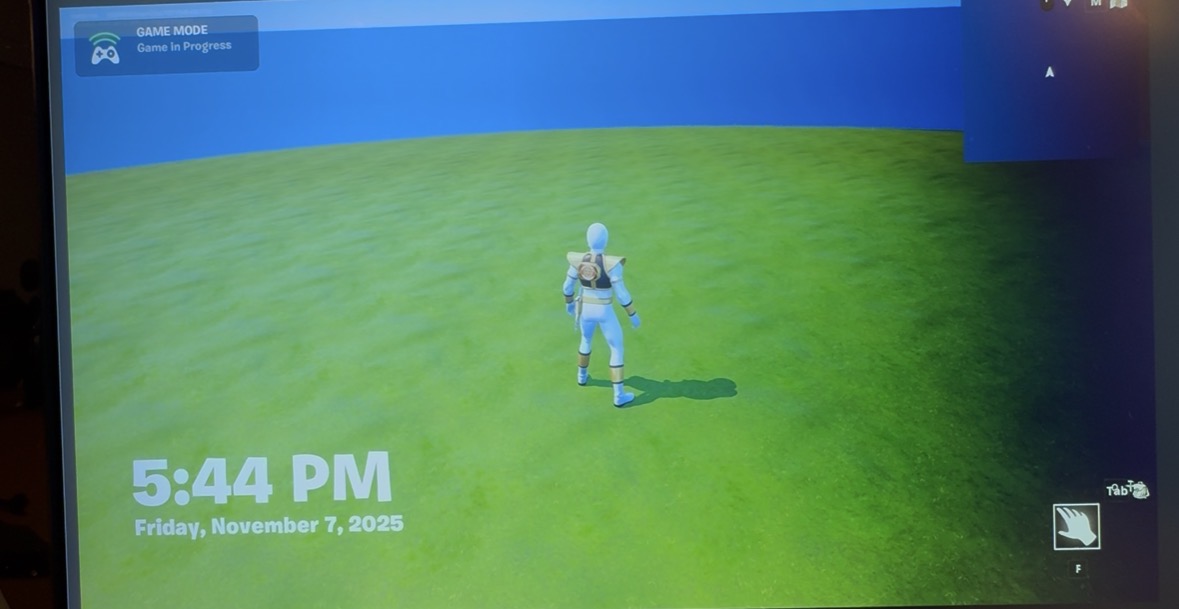
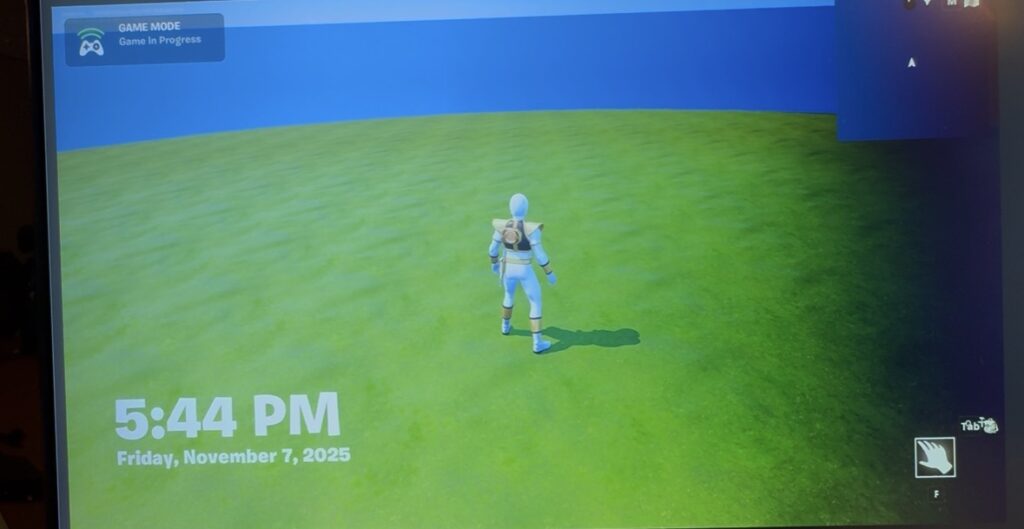
I built the island’s Date/Time system using UMG and Verse. This required experimenting with how data moves between UI and logic, but once everything synced correctly, the system felt stable.
The island now tracks:
Real-world date (Central Time)
Current in-game time
Player inactivity windows
Idle UI with real-time date/time
UMG + Verse Integration
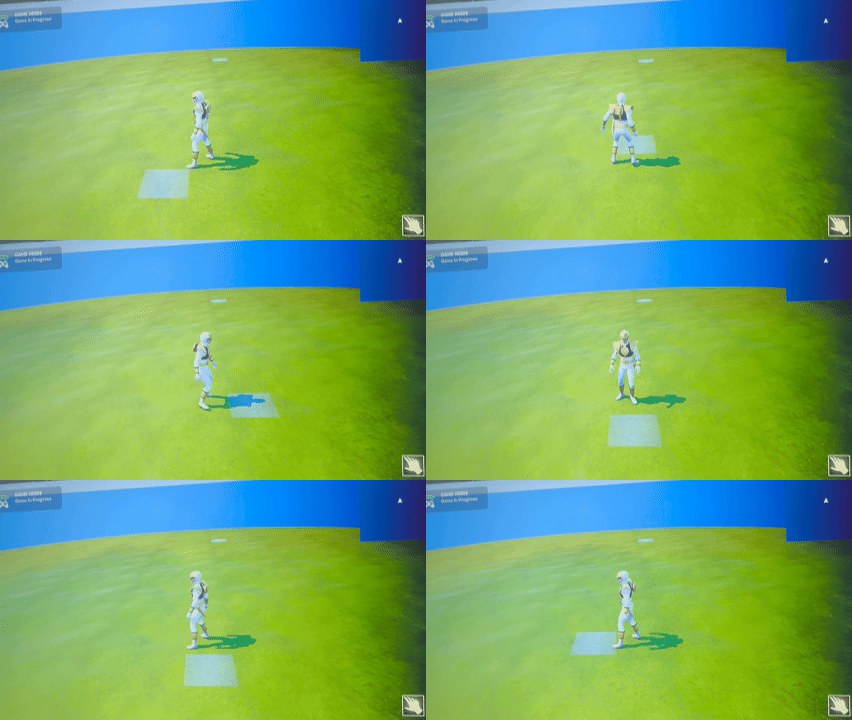
I created a small “Idle UI” overlay to validate that the data was flowing correctly. It wasn’t required, but it helped confirm assumptions early.
Summary
What I accomplished:
Added the foundational Date/Time system.
Connected UMG and Verse for the first time.
Validated UI–logic communication with an Idle UI overlay.
What I learned:
Time systems influence nearly every future mechanic.
There aren’t many cozy, slow‑paced games inside Fortnite, but my family really enjoys them. I wanted to create something in that space—something calmer, more intentional, and inspired by the charm of Animal Crossing. Island Crossing is my attempt to bring that feel into Fortnite while still respecting the constraints and systems of UEFN.
Camera & Controls
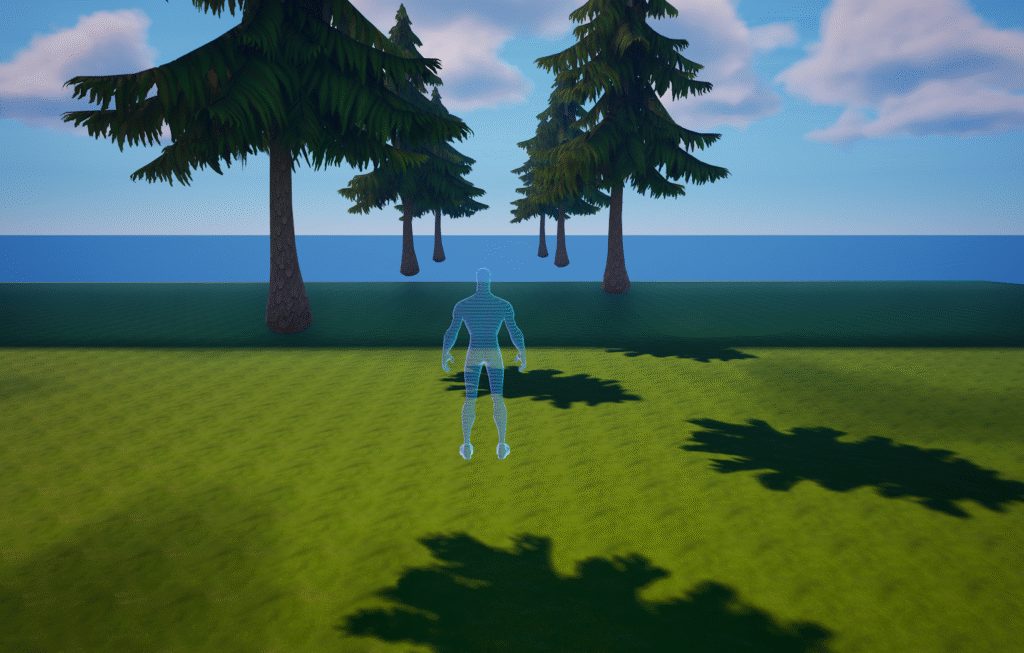
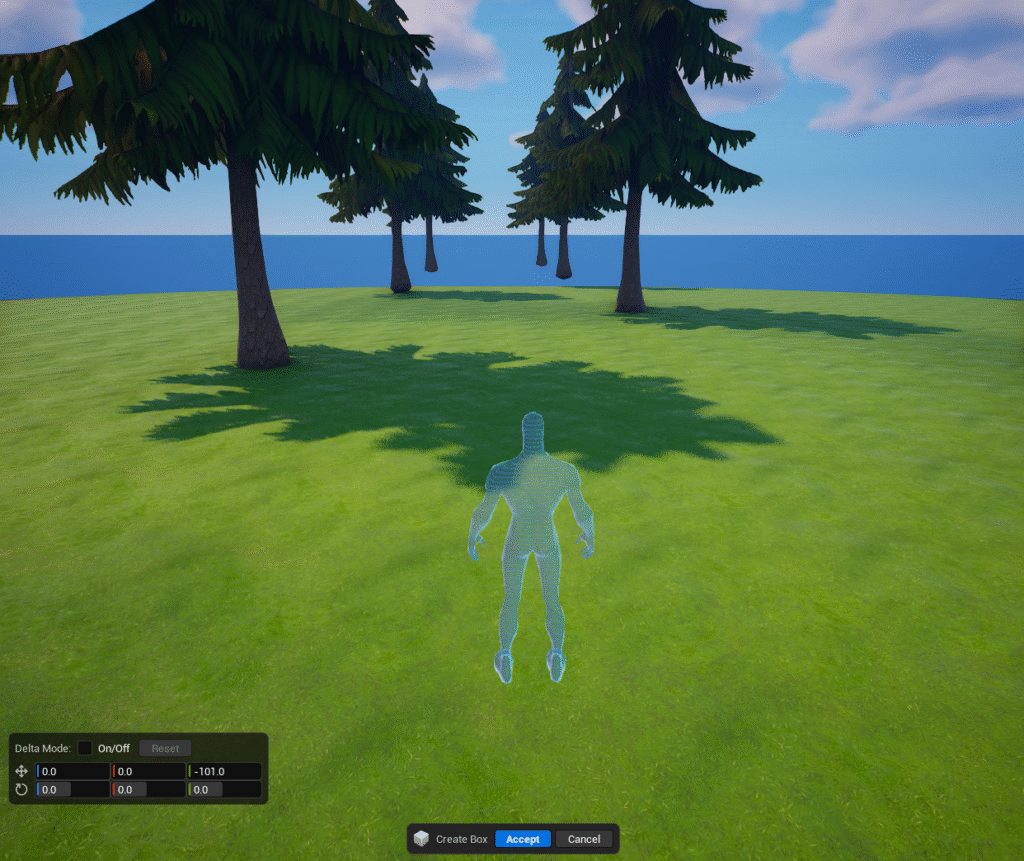
I started by adjusting the camera and third‑person controls to create a perspective closer to Animal Crossing: slightly elevated, pulled back, and wide enough to make the environment feel approachable. Even without gameplay, this shift immediately changed the feel of the island.
Curved World Material
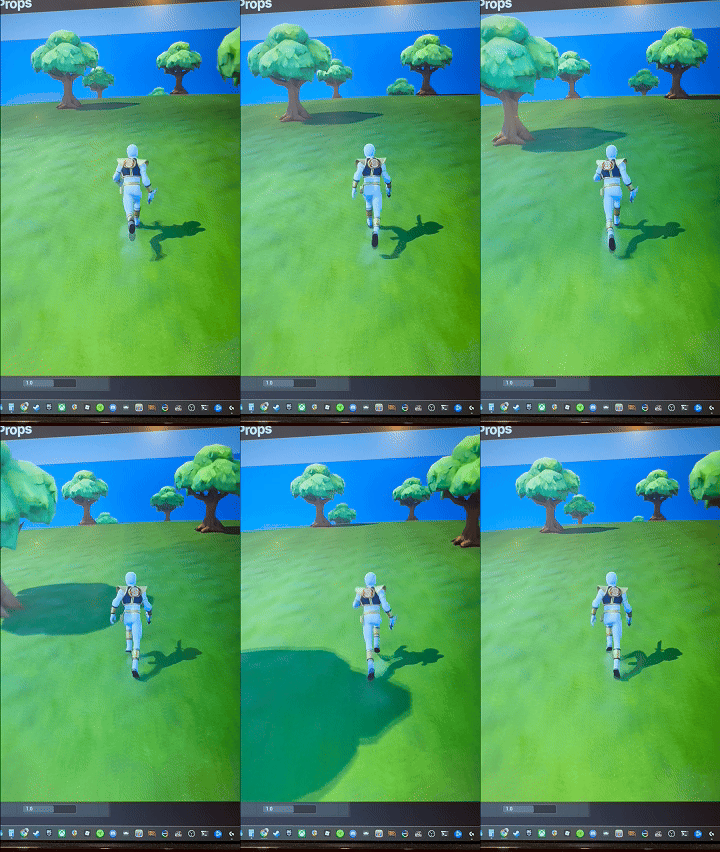
With the camera in place, I moved on to implementing a Curved World material. The setup followed a few good tutorials, but the decision carried a meaningful tradeoff:
The effect relies on modifying the World Position Offset.
That requires raw material access.
Which means standard Fortnite meshes won’t work.
Every mesh that participates in the curvature needs to be custom. It increases production time, but it supports the long‑term goal of giving the island a distinct, handcrafted identity.
Early Technical Hurdle
During testing, the ground mesh was unexpectedly sinking. After some debugging, the cause became clear: the mesh only had a single subdivision, leaving the deformation with almost nothing to work with. Increasing it to fifty subdivisions produced the curvature I wanted.
A simple fix, but a good reminder that WPO‑driven deformation is entirely dependent on underlying geometry.
Curved World material with 1 subdivisionCurved World material with 50 subdivision
Summary
What I accomplished:
Established the camera angle and controls for a cozy, readable view.
Implemented the Curved World material.
Identified and resolved a mesh deformation issue caused by low subdivision density.
Evaluated long‑term implications of relying on custom meshes.
What I learned:
Visual direction decisions often introduce lasting architectural consequences.
WPO effects require careful mesh preparation to avoid artifacts.
Early camera work pays off immediately—perspective defines tone before mechanics even exist.